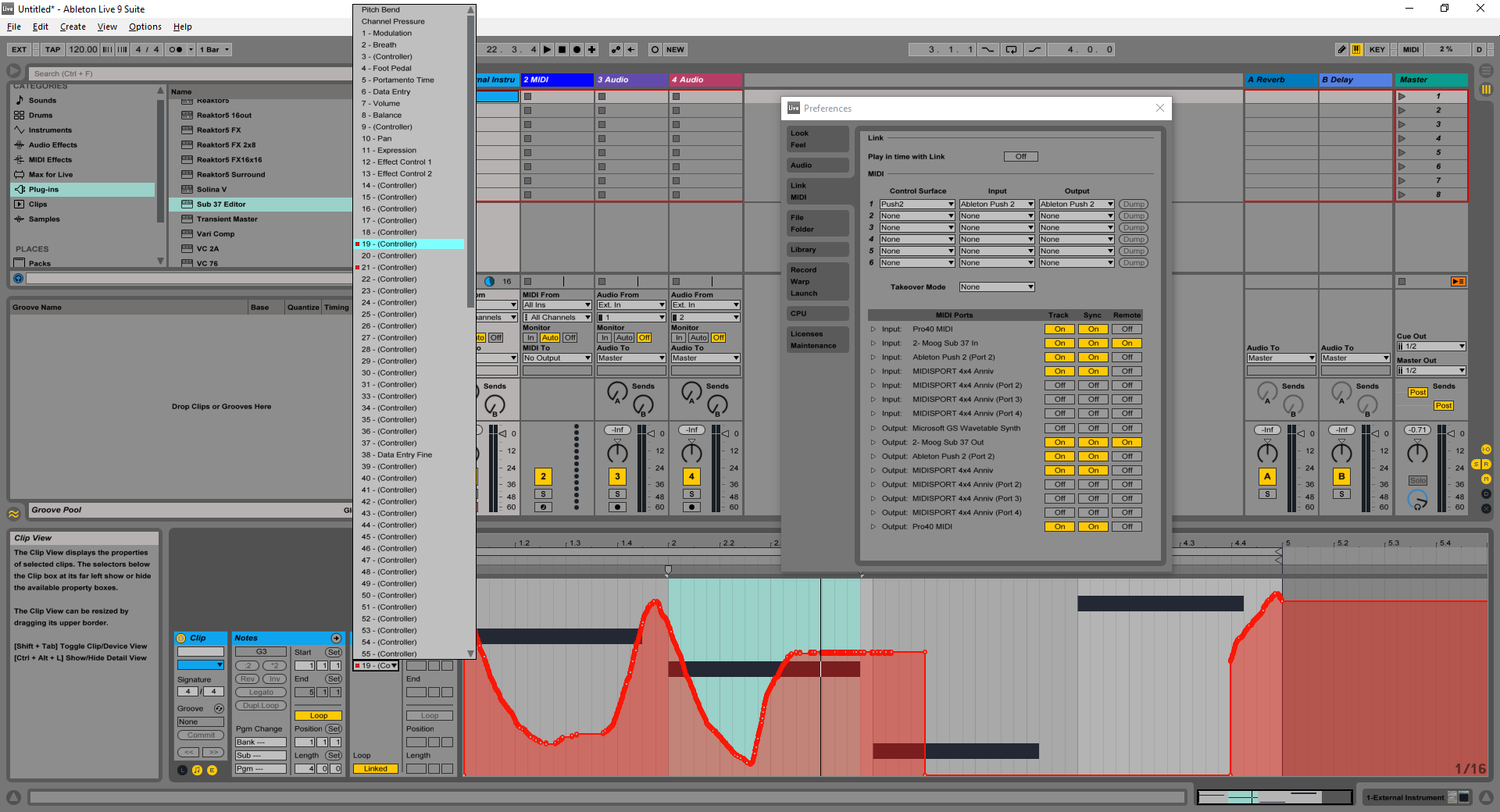
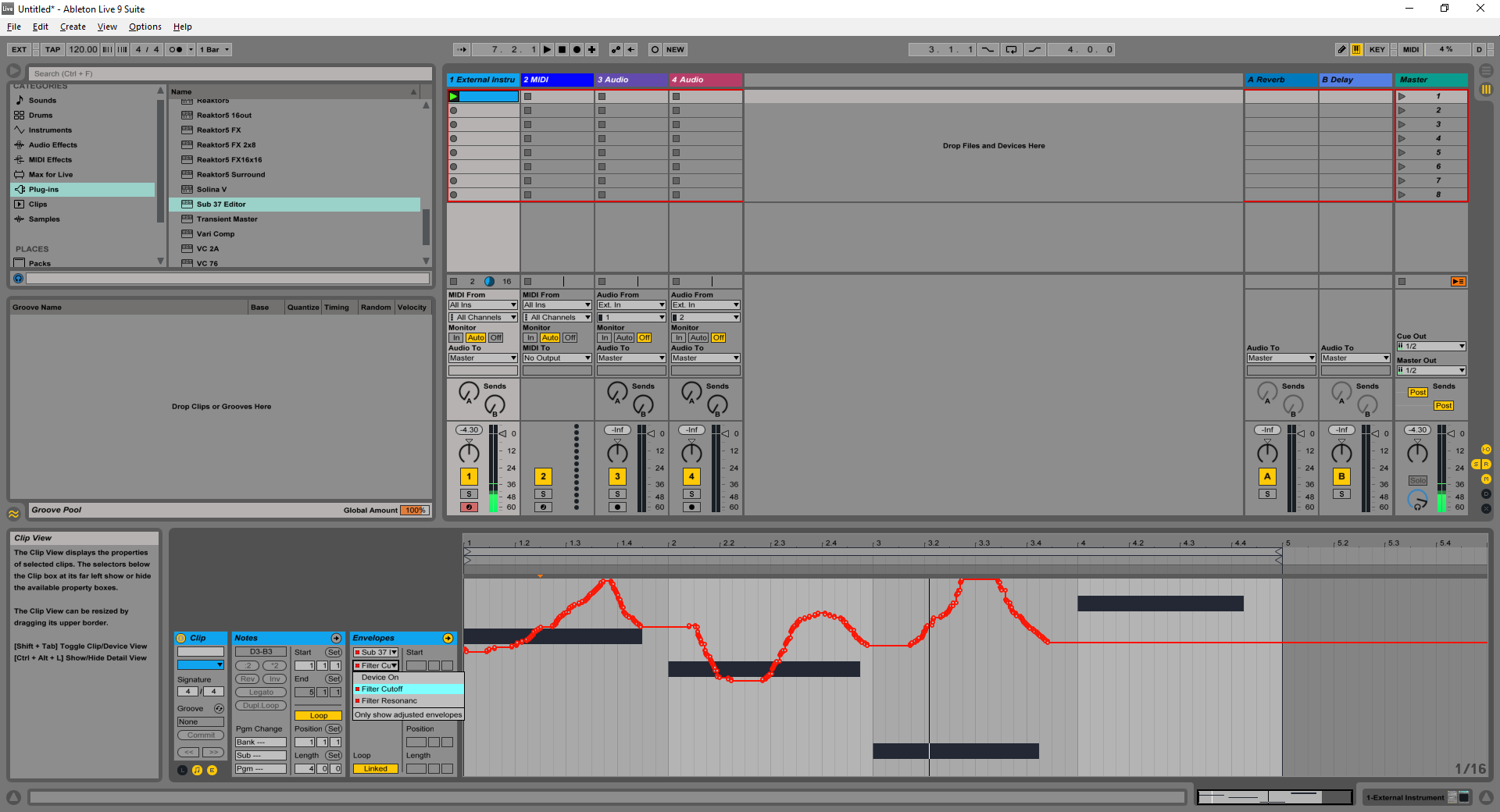
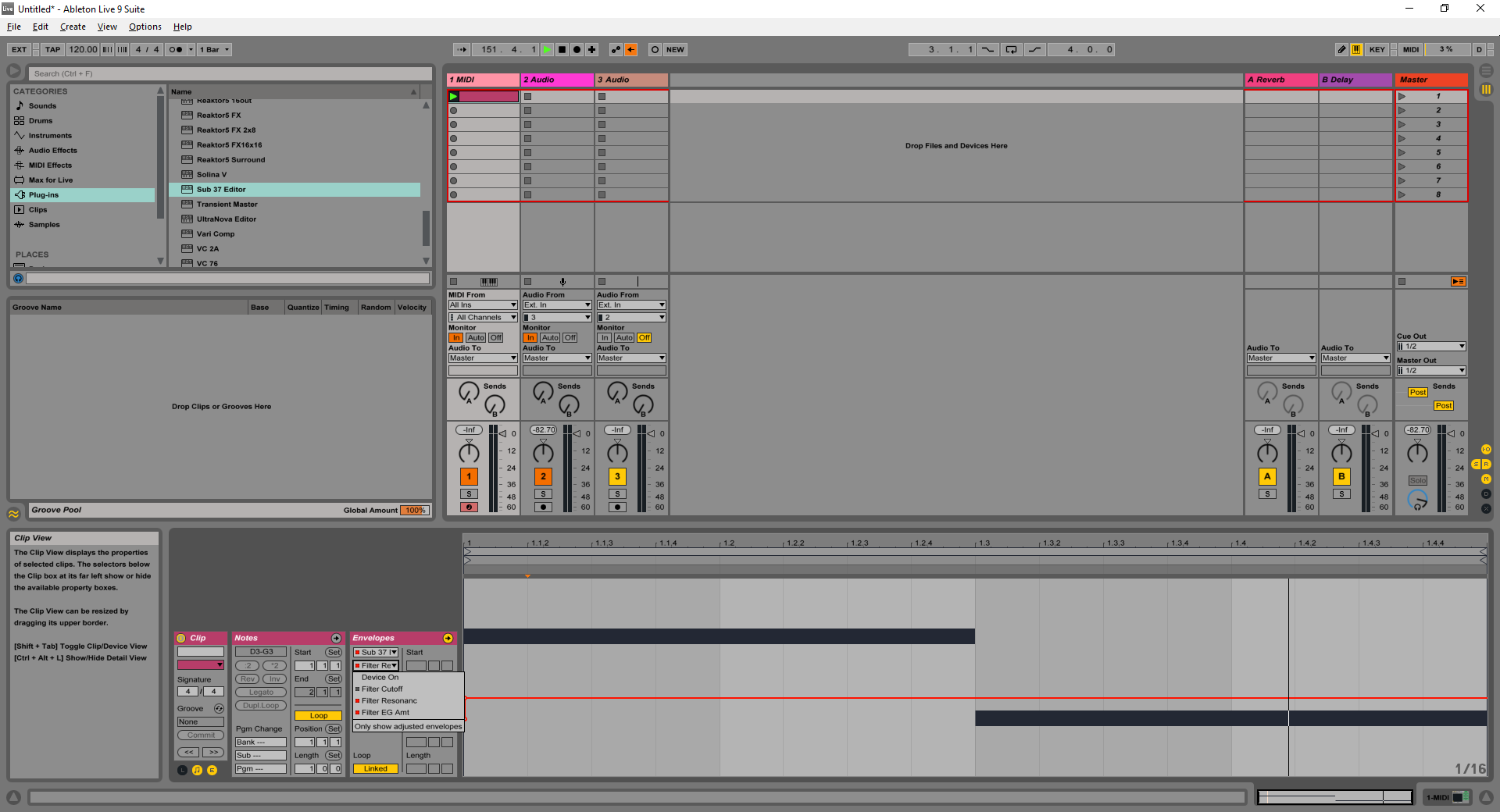
I can draw automation in in live 9.6 and it works. I have had this issue to some degree in previous release when clicking on the editor GUI ableton would black out the automation line and highlight the "re-enable automation line. But as far as a basic function it works for me but I’m on OSX. I will check into this after work tonight.
Any news on this, I can only use 3 lines of automation, soon as I add a 4th then it just blacks out the automation line and highlights "re-enable automation button.
Ive recorded a couple of knob movements in ableton 9.6 32 bit today with ext instrument with the vst 32 added to the track, ableton is correctly adding the automation lanes as I twiddle a knob on the editor and then the editor is correctly applying the movements thereafter.
That’s a great point you make, i will go back and try record a couple concurrently, i know it was playing back ok concurrently with the editor knobs responding.
Its exhibiting different signs today, I set up the external track like yesyerday and added the sub 37 as a vst to the right of the external instrument.
You can see it has successfully picked up the knob movements concurrently and when i listen to the midi track the automation is taking place as I can hear the filter and resonance changing to the envelope but unlike yesterday the knobs are not moving on playback on the editor.
I suspect that there may be different ways to setup the automation and I am no expert at this.
Ok i see what i did, with the sub37 selected in the envelope section of ableton I went on to record automation successfully and concurrently but it only records max of two, I chose the filter cutoff and the resonance and the filter attack as i could get and twiddle those 3 at once but it does drop off the 3rd always.
I will try with my bass station and see what happens with that but I am assuming that it should be able to capture all knob movements.
ok the bs2 doesnt have a vst so i cannot use that but the fact that i can pick up multiple knob movements ie more than 2 just with an external instrument track and send those envelope movements back yet I cannot go beyond two with the plugin points to the sub 37 plugin being possibly buggy.
Has anyone else been experimenting with automation in win 10 ableton environment apart from those already on this thread.
OK, interesting. I have found where the “symptom” is that the Sub 37 hardware is outputting some MIDI CC messages back to Live, when this problem happens… which normally it wouldn’t do. The MIDI CC output by the hardware is overriding Live’s parameter automation, just like you were turning the corresponding knob on the hardware.
I have made a firmware experiment which, for me, seems to stop this problem. I’d like for you to test it (using Live with 4 or more parameters being automated) and see if the problem is fixed for you also.
My concern is that somewhere between Live and Windows, when doing heavy parameter automation, the MIDI output going to the Sub 37 is getting corrupted. This is a concern because if true that the problem is occurring outside the editor or sub 37, it limits our ability to fix or work around it.
(The Mac firmware updater in this download probably doesn’t work; that’s expected for this build. If so just use the sysex files. In fact you really only need to load step2.syx as that’s the main firmware file where this fix is located)
here is the screen shot when I rotate the filter cutoff the lane records the movement but as soon as i stop recording the automation lane greys out as you can see here.