I have this problem when playing my Prodigy I hear high clicks, they’re in my recordings and on stage you here them also. They don’t happen when you press a key but rather random like static electricity clicks in the high frequencies. Here’s an example of how they sound, first part is without EQ, 2nd part is with EQ to filter them out.
My tech replaced op amps, cleaned the key contacts but the clicks are still there. Anyone knows what might cause this? (btw it’s not the VCA offset because the clicks happen randomly)
I would check the audio signal path on board starting at the VCA. It is OTA based (U18 <= CA3080). The input of the OTA (pin 2 and 3 of U18) should show a correct waveform coming from the VCF. If not the VCO signal has to be backtraced to the oscillator core.
To trace this a pure triangle should be selected, and only one oscillator leveled up. The VCF should be adjusted that a rather clear triangle is visible at pin 2 and 3 of the CA3080 (VCA). If the output (pin 6) of the CA3080 is distorted there might be two reasons: The OTA itself is broken, or the control current of pin 5 shows a weird signal. If last the control current must be backtraced etc. etc., so a kind of signal tracking on board has to be performed.
I did this for my own Prodigy. In my case I had to replace the LFO capacity.
Please check the power supply as well. There must not be any distortions on the rails.
I have updated .01uf tubular capacitors with polypropylene film tone capacitors, grounded secondary transformer (grounding was all the way through the audio path) and adjusted VCA balance.
Also found a broken LM3046N which was giving wrong voltages on two pins - this was blocking temperature adjustment because U2#5 was receiving -12 volts.
It is now very clean sounding with no artifacts.
External control now works very stable - before it was constantly rising pitch until pressing lower F and in 5 minutes it was half tone off again.
Thanks for trying to help!
Hi, I know this is old. I’m having this staticky clicking sound that shows up any time I have a key pressed. It follows the contour of the VCA settings to the T. I thought LFO, then I saw this thread. But the clicking noise is not affected by the LFO knob. Was yours?
It doesn’t totally vanish, but it makes the sound appear later, perfectly following the contour of the attack setting in the VCA. So, if I turn the VCA attack all the way to the right and press a key, it takes a few seconds because of the attack, then shows up. It has a constant ticking sound, combined with a high frequency sort of pitch, and static. The sound stays as long as a key is pressed. With no key pressed the sound is not present, or it’s quiet enough to where I cannot hear it. It’s very audible if I have a sound set up that has the filter cut off lower. If I open the filter it drowns it out
Edit: I should say that the sound is present as long as a key is pressed and the VCA settings “allow” it to. For example if I turn the sustain and decay totally off, the sound does not show.
I eventually gave up on this Moog Prodigy MK2 after 2 specialised repair services couldn’t find the issue. It was from a friend but I played quite some gigs with it, luckily the high clicking gets masked by all the other stuff but in solo you hear it well, I remember playing triangle sub in a big concert room in toulouse or something and the click was really audible since the song only had sub en vocals, anyway that is passé, now I have an MK1 which does not have that problem but I do miss the Filter CV in.. Already got it modded with CV/Gate/Audio in, but no Filter CV in
The problem you are describing is not the same as mine and it was not the vca balance trimport, it were random static noise sounding clicks happening compelely indepent of vca trigger. They are definitely viewable on a oscilloscope or when you just record them in a DAW and check the waveform there instead of an oscilloscope
It does not seem to follow the LFO or anything for that matter. It’s kinda chaotic and always present as long as a key is pressed , and it’s most noticeable when the filter cut off is set lower. However, like I said it perfectly follows the VCA. So if the attack on VCA is turned all the way to the right, the noise slowly shows up as the attack ramps up
Yes, but that just means that the click is part of the audio signal.
When I analyze synthesizers like my Prodigy I start at the beginning. First I look at the saw core output. According to my Prodigy schematic it is the emitter of Q15 for osc 1. If the osc pic shows a clean signal, continue with the waveshapers, then vcf, vca etc. Of course for both oscillators.
If the signal already is disturbed, check the PSU rails for distortion, again with a scope.
If you can identify a point from where the distortions start, exchange the surrounding semiconductors.
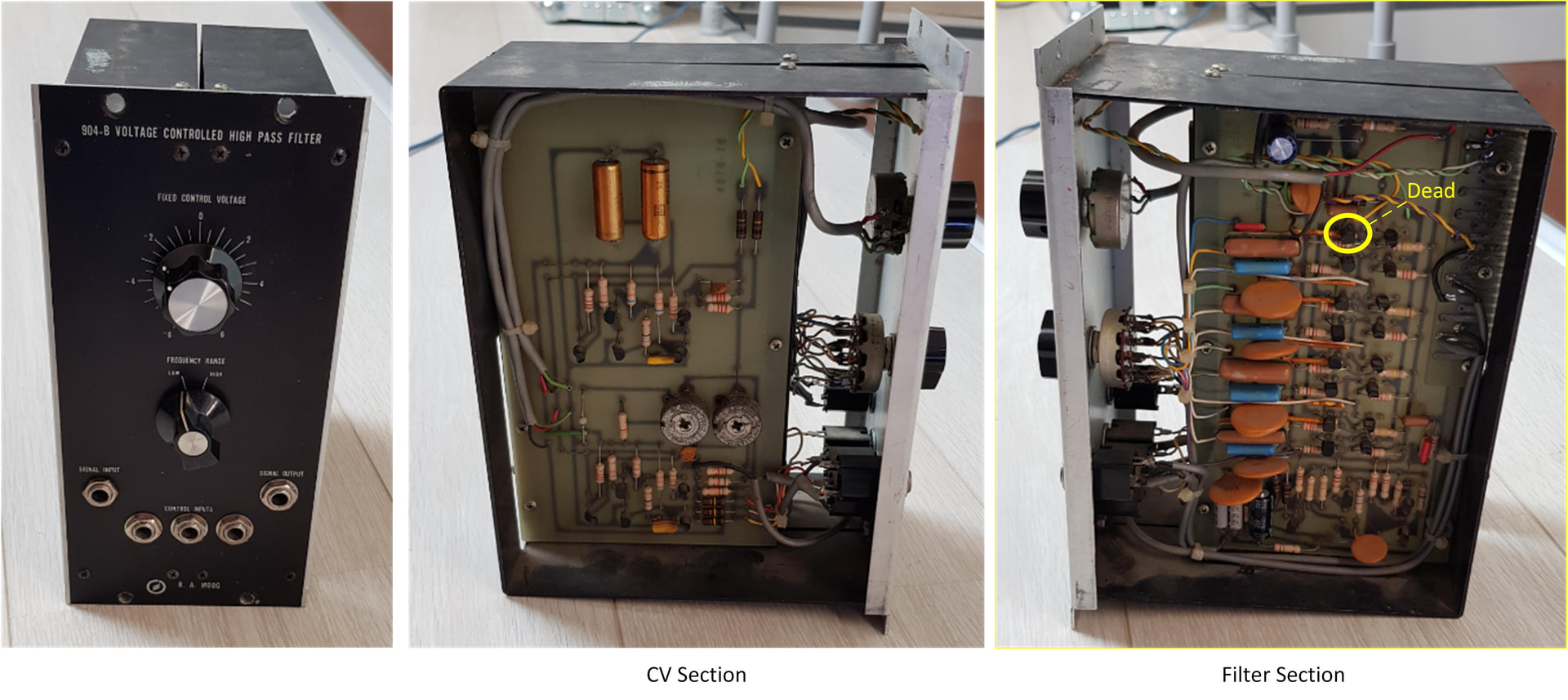
I performed that way when I repaired a Moog 904-B module from the 60th. Here the corresponding documentation: