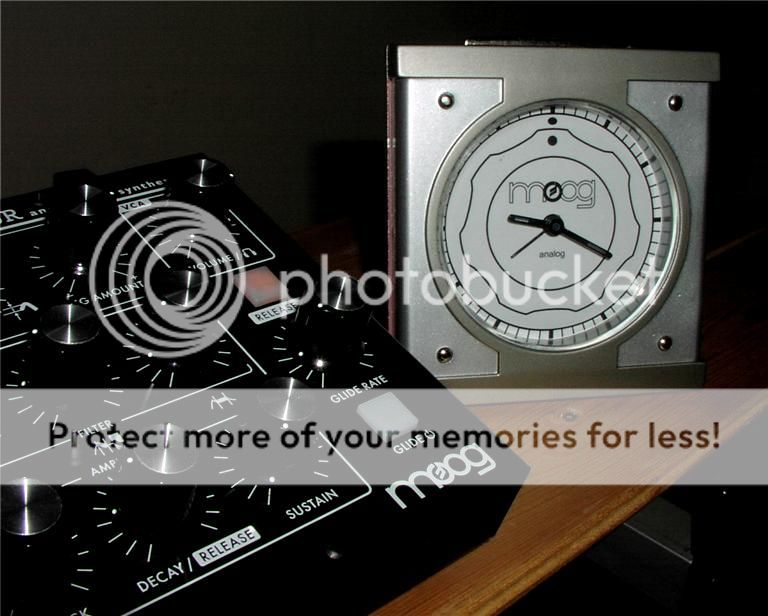
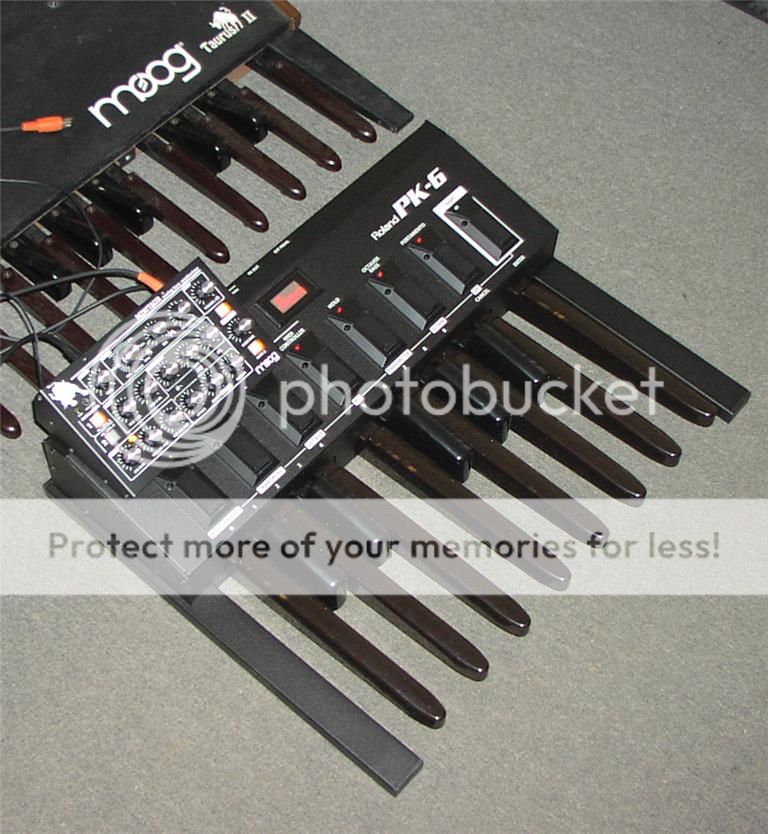
Minitaur with CV's - close but no cigar

The Minitaur seemed perfect specification wise, all the knobs you can wish for, genuine Moog sound engine, cv driven with the standard cv inputs. No midi mess. Nothing could go wrong I thought in a CV rig.

The connection between the Akai Max 49 is the simplest that can be : one patch cable for gate and one for pitch CV (the Max 49 has standard 1v/oct cv output). One possible issue is the root note, easily remedied if that happens.

Power On… there’s music as I press the controller’s keys. That’s good. So let’s get to the knobs part and make sounds… cutoff.. resonance.. looks good too.

So it works.. well no… the mixer section goes wild or full on or full off. Same thing with the mod section, where the mod amount will freeze, most often at zero, but sometimes at full amount. Sometimes the glide section will freeze too.

There is a little something in the manual about the power on knob settings of the modulation section if the unit is to be used with cv’s only. It’s a bit vague.

After countless power on and off tests, with the knobs either zero, or full, or else, over the span of many days now, the symptoms still persists.

And the symptoms are : the Minitaur will power on good most of the time (but not always) with everything functioning as it should. But when you start turning knobs, the three things that happens most often are, in order :

  • the mod section locks to zero (no amount) and is unusable

  • Sustain amount of the VCA freezes full on, and Decay full off.

  • the mixer jumps and locks in full amount for both OSC (knobs won’t work anymore)

And these things will happen very shortly after starting operating the unit. But again, mixer can also freeze to zero , or mod section to max, or other values as well. Glide can go freeze too, and the VCA EG goes foul all the time, with sustain fully bad.

More power on and offs, testing, something wrong again, it’s been a week, I give up.

The Minitaur is such a nice little machine. One thing I did not expect is I found very comfortable manipulating knobs in such a tiny space, maybe more so than moving an arm to change a setting on a large OS panel.

I so wished it would have worked but I am afraid it’s a failing grade with CV’s only. And I have no choice to shelve it until the next firmware revision. It just does not work.

you never emailed me! I have a firmware update for you to try. You should recalibrate those pots, too.
It’s easy, I’ll tell you how. Takes only a minute or two.

-Amos

Hi Amos, thanks for your reply, Heavy work load, been working 16/24 for the last couple of weeks. Project now done, let’s see what can be done with the Minitaur. The little guy is eager to join the others ones but now I don’t bother turning it on anymore since it’s unusable with CV’s.

Actually, I just turned it on before writing this post. It’s totally frozen, not a single knob respond to anything, both Oscs fully On, no modulation, no envelopes, full VCA volume even with the Volume knob at zero. The worse it’s been.

OK, testing this now. A fix soon, I hope… thanks for your patience…

-Amos

Thanks Amos…

After sysex factory restore, update to latest firmware and pot calibration, still no change. Sections (mixer, MOD, VCA EG, Glide) keep on freezing. Not once in while. Always. I can not power up the unit without a section being frozen. Never the same from one power up to the next. Sometimes the frozen sections migrate, sometimes they don’t.

Today in my testing I find that the frozen knobs instantly start working when I plug in USB from computer to Minitaur, or when I play a MIDI note or two. This explains why I never saw this issue during testing… I tested CV plenty of times, but always with a MIDI controller connected also; never with CV alone and no MIDI. Stay tuned for further updates.

You betcha! Take your time, make it good. It’s not as if I keep track of it (time). :sunglasses:

Right, my Minitaur behaves perfectly fine with CV/Gate connectivity only.

https://www.facebook.com/video/video.php?v=10151351654601603&notif_t=video_processed

Tweaked the parameters that were said to cause problems but all is well…what more am I supposed to be looking out for?

Looks fine on your video. I think mine worked all right a few minutes right out of the box, but then, twisting knobs, when it went bad, it never came back. The problem (the symptoms actually) has now been acknowledged.

Keep on twisting knobs, I don’t think it will stay like that for long. But hey, I crossing my fingers for you! :slight_smile:

Nope, you’re right. Switched it off and on… LFO VCF AMOUNT and VCA SUSTAIN had issues.
Well back to connecting the USB. Hope this gets sorted out for you mate.

You are quick on the reply when we talk :laughing: ;

I am testing Minitaur firmwares and reporting back on e-mails and here :laughing:
At least I am getting some ideas down in the process. :smiley:

Nice little box you got there… does it play vintage style music too ? :laughing:

Acid goa basslines are vintage music by default :sunglasses:
…For a 35 year old like my self, anyway.

Well all I can reply to that is :

E2 - G2 - A2 - G2 - D3 - C3 - D3 - E3 at 166 bmp

But don’t try that on the Minitaur… you need a noise generator for the full effects :sunglasses:

Erm…I think I’m too old for 166BPM… :wink:

Allright, I finally decided to run a battery of tests with Din-Midi. I did not go very far.

I tried to control with : LP, Max49, PK-6.

Things seemed to be a bit better overall on midi, but the problem is that the glide section is frozen in an everlasting long glide. Turned the glide switch on and off, no response. Turned the glide knob all the way down to zero, no response.

Double, triple, quadruple checked everything, changed all the cables once, twice. All controllers are A-OK, but the Minitaur keeps on acting. A dozen+ power on-off on the Minitaur. No change.

Are there other long time undesirable effects? I don’t know. Did no go all the way there. The Minitaur locked on glide is useless anyway.

One last thing, the forever glide is full note range. If you press a lower key than the previous note, glide is down and vice-versa. But it is not governed by the note played. From low frequency to all the way up the note range or vice-versa.

:cry: :cry: :cry:

More tests, more flaky results.

The ever long glide may or may not be. I am pretty sure it was real, but later on, I had a very low LFO rate, both mod levels to zero, but mod section frozen fully on. I noticed also pressing two keys on the controller seems to un-freeze the mod section, for an instant.

Then something happened, I don’t know what I did wrong, but the machine started to work right. Everything worked fine, testing every knob… yes… a couple minutes.. and then ..no… no modulation whatsoever. Turn more knobs, frozen mod section again, fully on.

My head aches, got to lie lie down.

Hello all,

(Sorry for my English, I’m not native speaker :slight_smile:
I have the same issues with my Minitaur which were described in the first topic – MIX and MOD sections hang when I sequencing my Minitaur via only CV/Gate (no midi cable plugged). But it is working fine when I use only midi (no CV cables connected). It is very easy to reproduce these issues because they happen every time I’m usinc CV. Sometimes MIX section works but MOD section doesn’t work and vice versa.
I use Elektron AnalogFour synth as CV sequencer and mini CV-keyboard.

How to reproduce:

  1. Connect CV sequencer (or keyboard with CV-out) to minitaur. Don’t connect midi-cable.
  2. Turn on minitaur.
  3. Run sequence or play notes on keyboard. (Sometimes happens, that there is no sound coming from minitaur on this step. Only reboot of minitaur helps.)
  4. Rotate knobs of MIX section.
    Possible result 1: Levels of VCO1 or VCO2 will work fine during approx. second and will freeze on one level. After that MIX knobs stop working.
  5. If MIX section works good, try to rotate MOD section’s knobs.
    Possible result 2: MOD section doesn’t work.
  6. Play with another parameters, i.e. OSC waveform buttons – sometimes it causes hangs of MIXor MOD sections.

I can record a video with demonstration if it is needed.