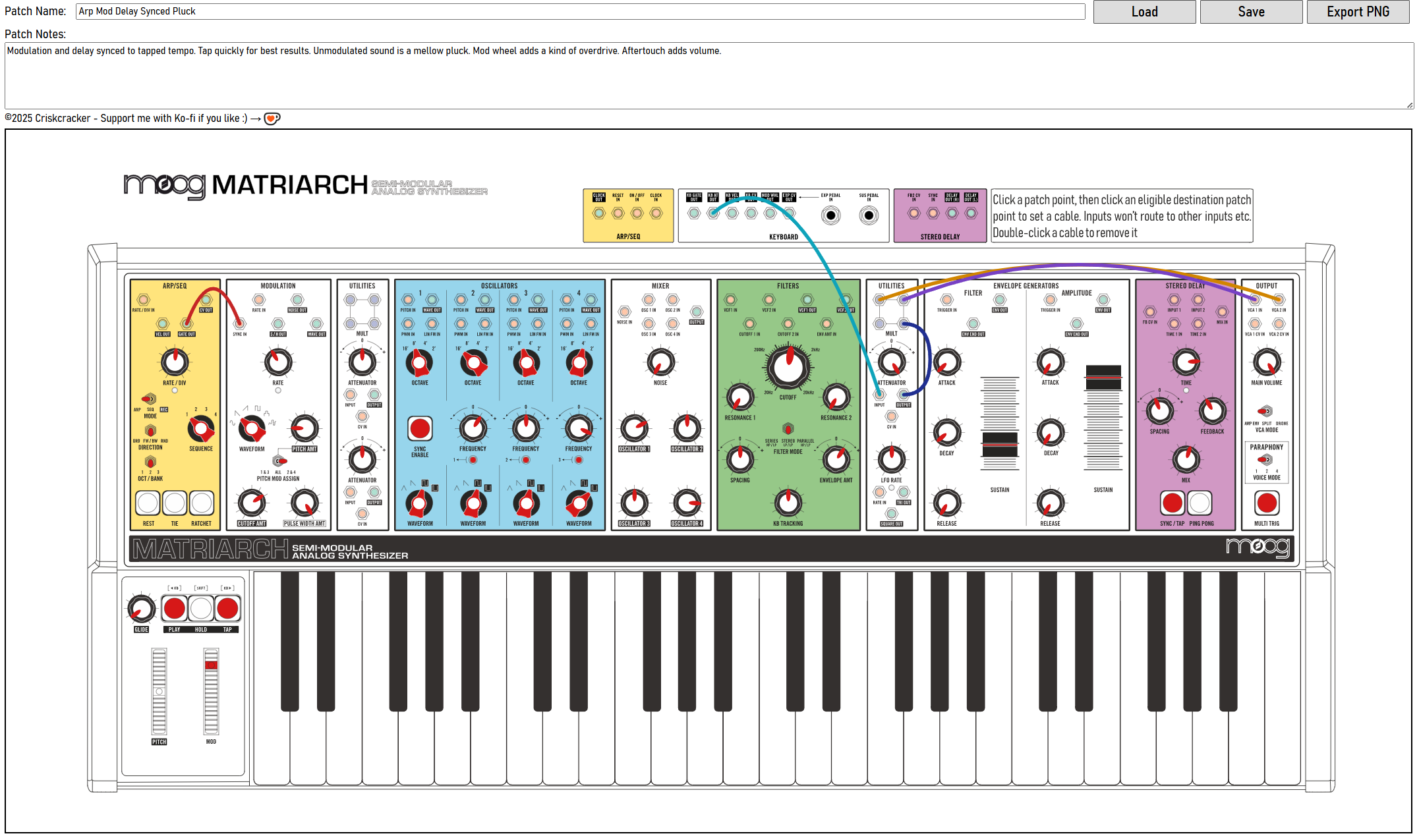
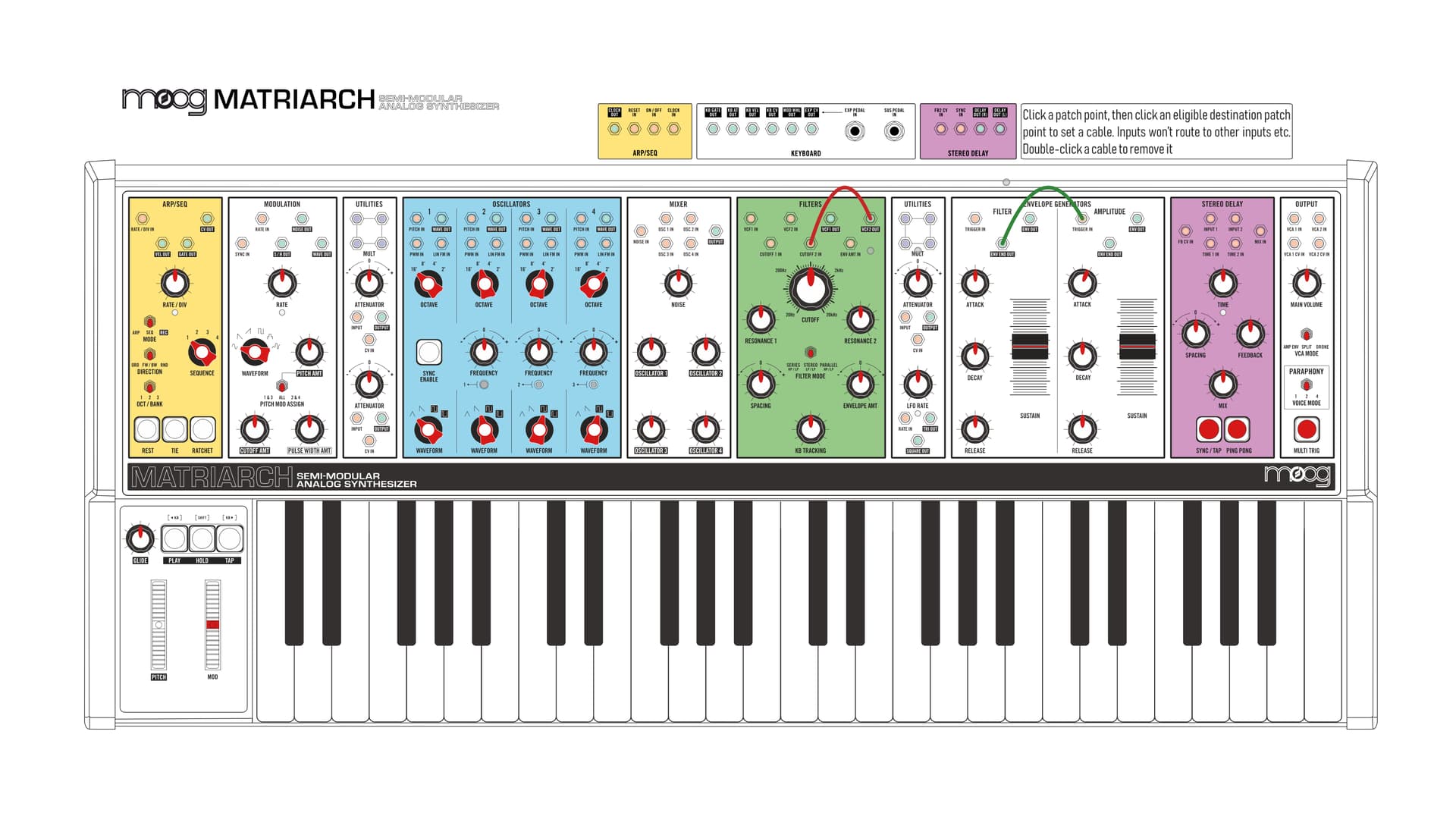
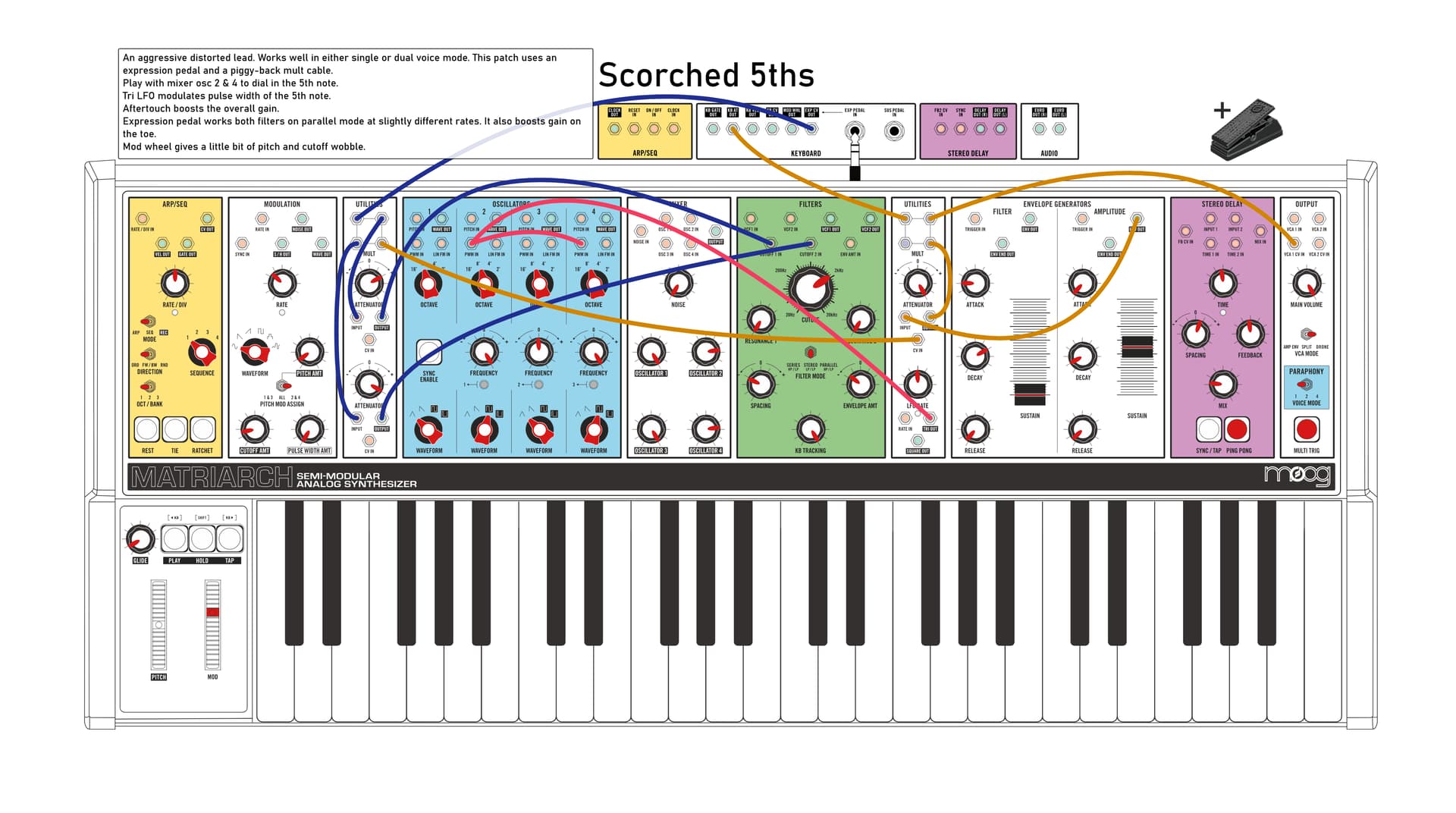
Hi all, I recently bought a Matriarch and I love it! Saving patches on it is a bit of a pain though, so I made a web app to help with it. It’s free to use and easier than drawing them on paper. If you’re a Matriarch owner, give it a go.
Thanks for the info. I’ve not had a chance to test it on Mac Safari. I’ll check it out for the next update. Glad you like it though. Do the save functions work? I noticed there’s a bug in the png export on iOS that needs a fix.
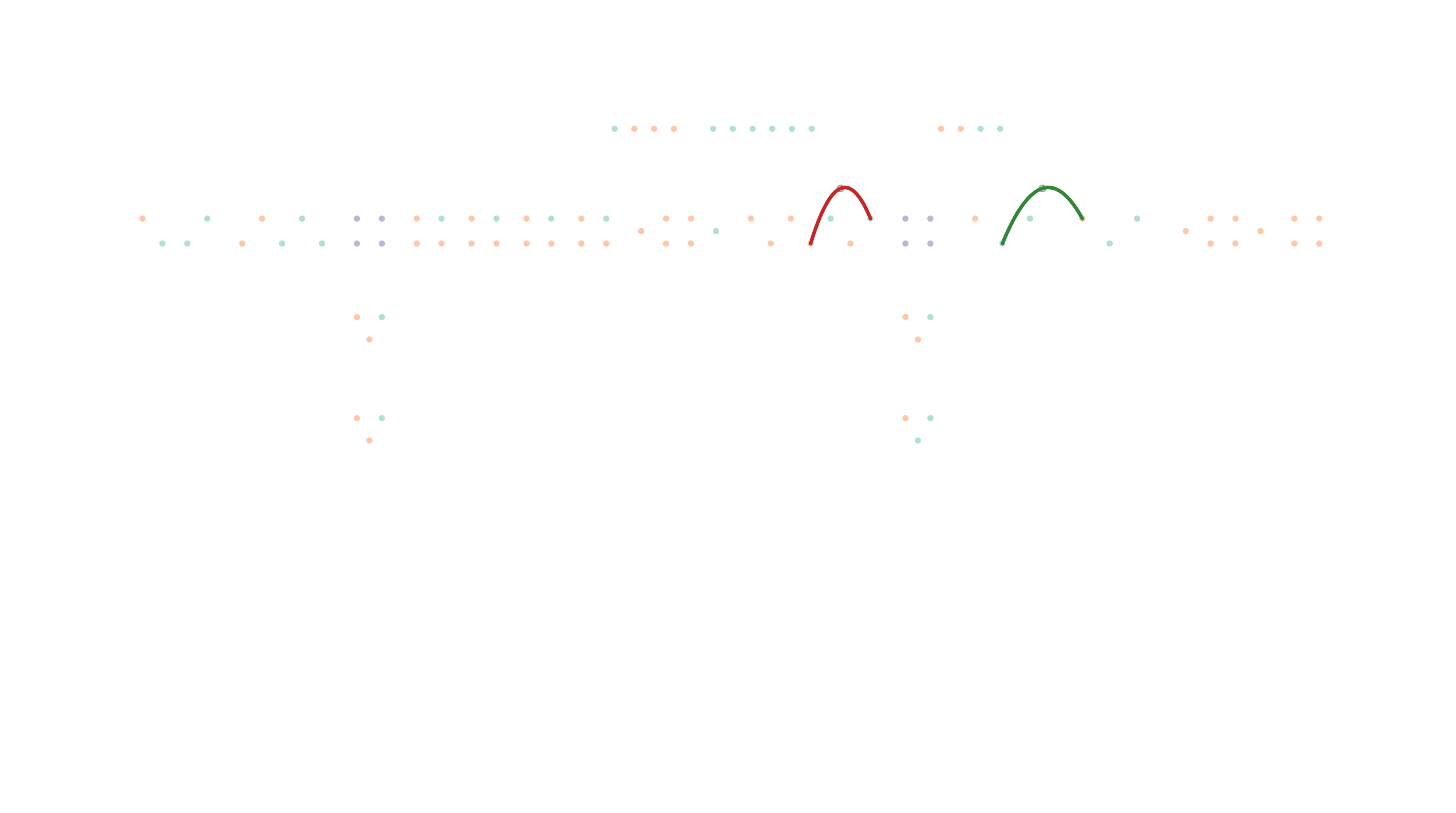
The first time I save a new patch as PNG on Mac OS 15.7.1 with current version of Safari, I get a mostly blank image. (see below) It has only the patch points and cables. When I save it again as PNG, I get the complete patch drawing. Saving as JSON seems to work fine. Keep me posted. Glad to test your next update. Even with this small bug it is overall faster and more reliable than saving pictures with my phone.
Hi. Thanks for the feedback. The png export issue is fixed in the latest update that I posted today, let me know if it works for you. The same issue existed on iOS, but that also should be sorted with the same fix.
Unfortunately, the colour slider functionality is still broken on Safari and the iOS version of Chrome. I can’t seem to get those browsers to apply the hue filter on the controls without a complete rewrite sadly. But all other features should be fully functioning cross-platform.
Also, I took away the restriction of not being able to connect Out → Out & In → In. This is to support daisy-chaining using piggyback-style cables (the app also supports multiple entries into the same patch point).
I like the cleaner look and the patch name on the PNG. The cable bender is a HUGE plus to keep them away from the knob settings! Some of my patches use a lot of cables.
My top wish list item would be the addition of patch notes to the PNG. Maybe limit the number of characters to display in the PNG but keep the full notes in the JSON?
Great suggestions, thanks. I’ve updated it with more logical ‘init. patch’ control positions.
I’ve also included the patch notes on the png export. They appear in a text box on the top left if any are entered. If patch notes are entered, they will push the title over to the right, above the rear panel patch points. The text box has a transparency value so you can still see any cables that might be behind it. I think there should be enough text space to make a useful amount of notes without running out.
The patch name font size will shrink-to-fit if the name is too long to fit in the space allocated, though for some reason, Safari won’t download the png properly if you exceed the width of the ‘Patch Name’ text input field on the app. I’m not sure why. (tested on an old 2015 imac running Big Sur) Hopefully you’ll never need to give a patch a name that long!
Okay, I tried your latest update and it all works fine. I really like the ability to set the patch cable color to match what’s in front of me. That makes it so much easier to check it before I hit save. Very helpful tool. Thanks for sharing it!
Thank you. I noticed a bug, so I made another update today. Hopefully this should be the last one it needs:
The fader would cover the patch point above it when in its uppermost position. This is fixed
I made the faders slightly smaller so that you can see the fine-position indicators on the sides.
I changed the way the cable colouring works. Now you can select a cable (shift-click for multiple selections) and it will highlight by going translucent, then you can retroactively set its colour with the picker. The old functionality of picking the next cable colour still exists also.
Added a favicon
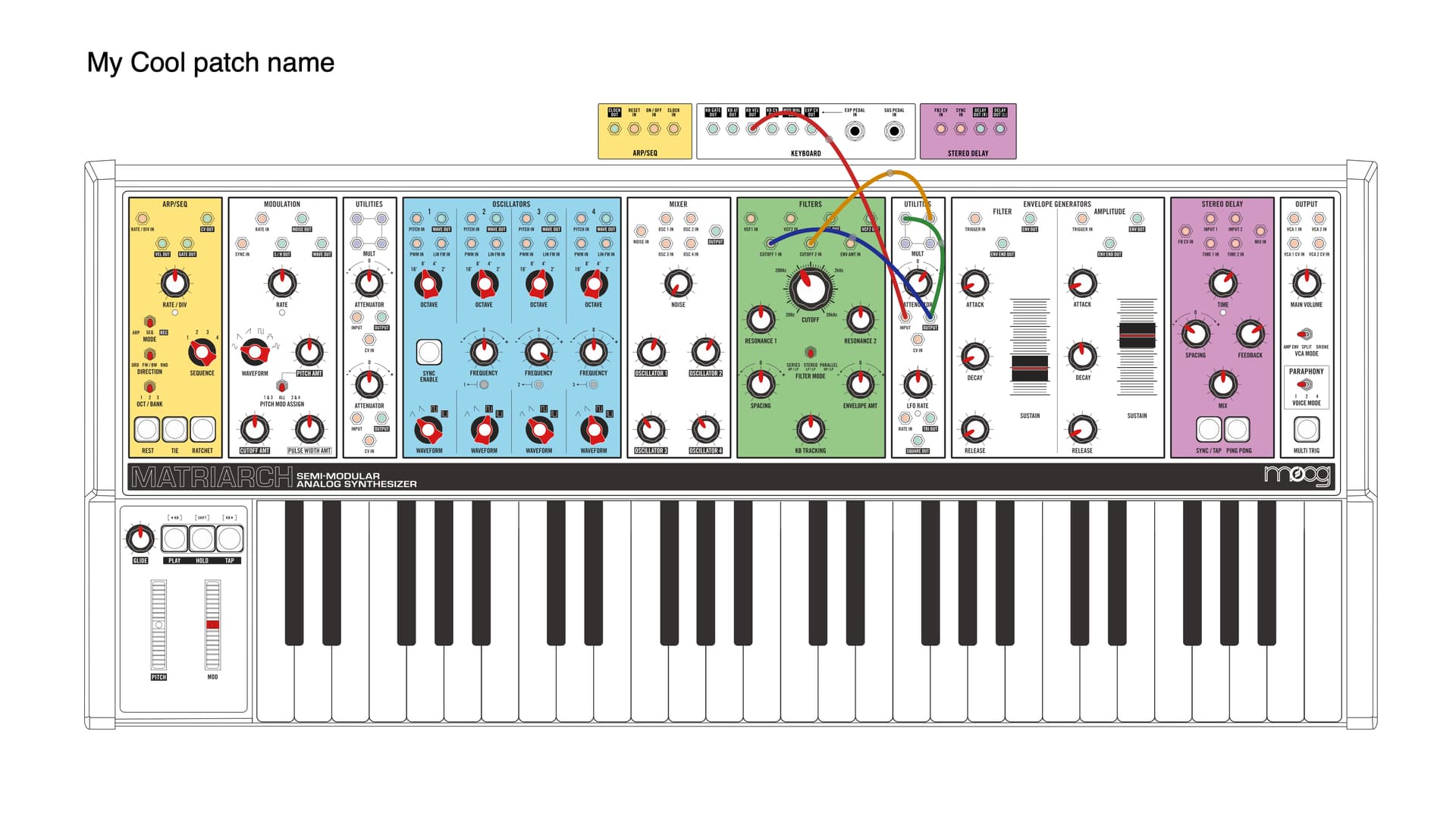
My recommended workflow would be to set all your cables first, then change their colours based on the circuit or function etc. Then position your controls.
Here’s an example:
Nice! I like that the tool allows for different workflows. I’ve had mine for 2 months now and still exploring sounds for my project. At this point the cable colors are somewhat driven by the length I need (and obviously what I have). So my inclination is still to draw the cables to match what I’m using so it is easier to cross check before I save the diagram.
At some point, I’ll switch to a model for colors based on function or source module. I’ll need a full set of cables in each color/length to get there.
A thought/suggestion: how hard would it be to integrate this app with a multimodal LLM so that you could just take a photo of the Matriarch, upload that photo and have the app automagically create the patch sheet?
That’s an interesting idea. I think figuring out the exact position of the knobs from a picture would be a task well suited to AI, so it could work pretty well. Looking into it, there are a few different ways to integrate this, all with pros and cons.
Option 1. Use a paid API. This would mean the app becomes a premium feature, but it would be fast and seamless for users.
Option 2. Use a python-backend, requiring the user to install python on their machine, which is not the end of the world really, but some users might be put off by this. Performance with this option would be pretty good though, especially if the user has a good GPU.
Option 3. A totally in-browser experience with no installation required, although processing times would be longer and the app would eat up about 10GB of system RAM.
Food for thought. I’ll investigate option 2 and see what is feasible.
One of the reasons I was so drawn to your app is because I was having trouble seeing the knob positions clearly in my phone pics. Part of this was because of the lighting in my studio makes some knobs appear to have multiple dots. Also, if a cable obscures a knob. In the beginning, I was taking a photo from fairly straight overhead, slightly from the player’s view and another more from the back to show those jacks. Dealing with a lot of cables would be fairly challenging depending on the colors used.
 https://jewelbox81.github.io/matriarch-patch-app/